
Microsoft Word
Microsoft Word is Microsoft's word processor and part of Microsoft 365. This page explains who it suits and how to get it on Windows.
289.2 MB

Microsoft Visio is Microsoft's diagramming software for flowcharts, org charts and technical drawings on Windows. It is a paid product sold by Microsoft.
Average 0.0 · ratings: 0
Thank you! Your rating is saved; you can change it. Could not save the rating. Please try again later. Too many ratings from your network today. Please try again tomorrow. The average appears after 5 ratings.
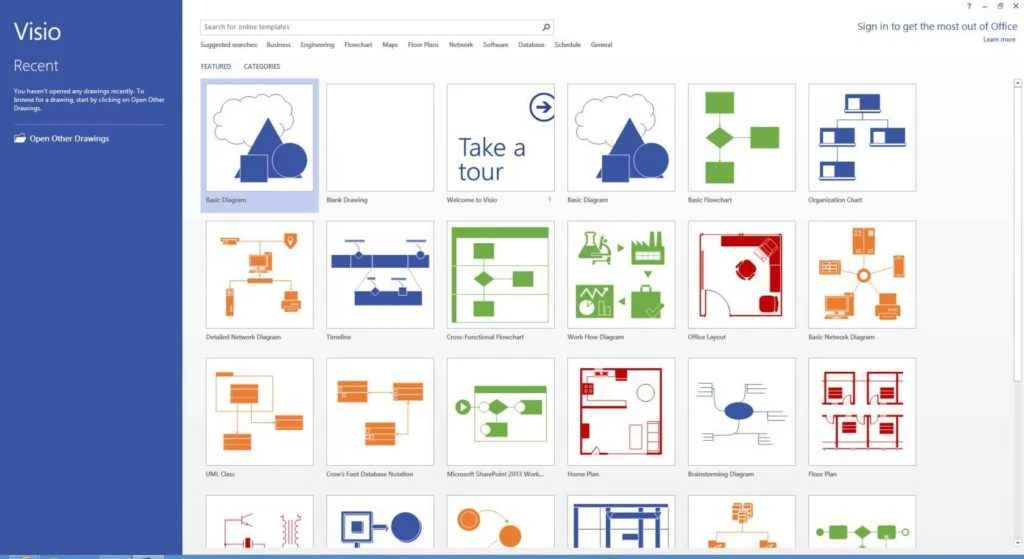
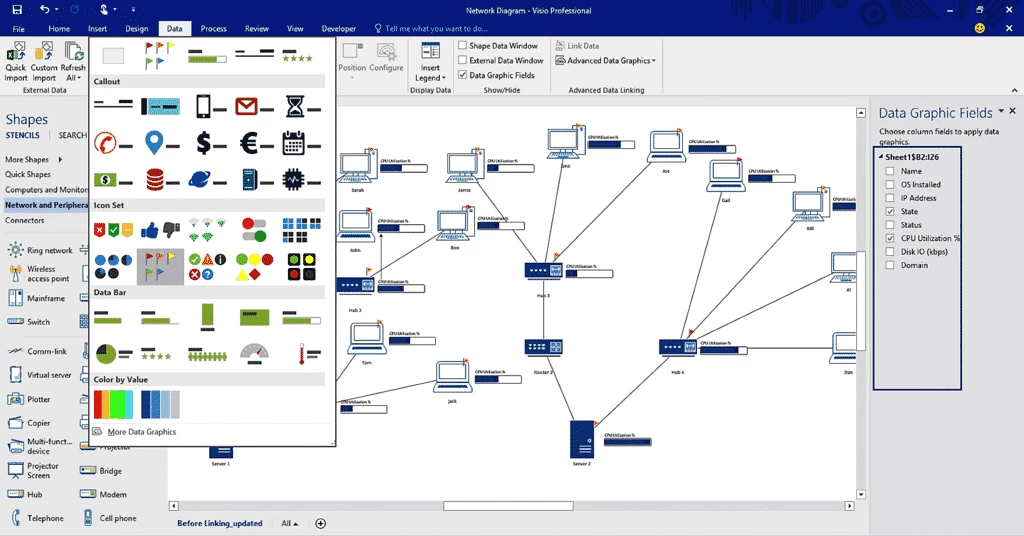
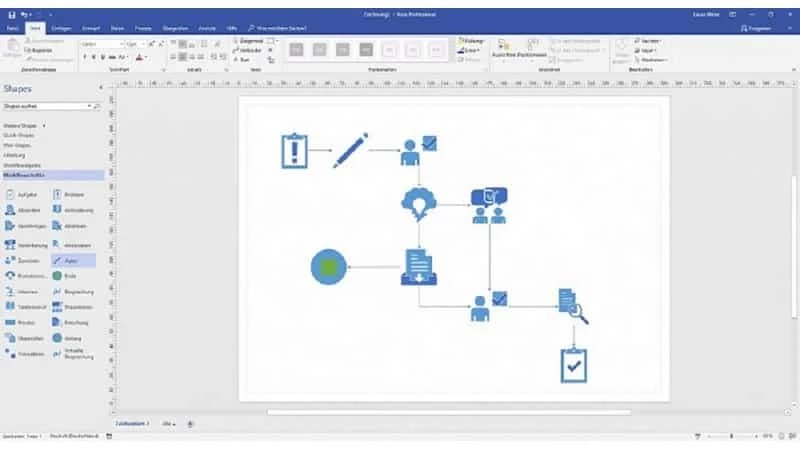
Microsoft Visio 2021 is Microsoft's diagramming and vector graphics application for Windows. It is not free: you download it from Microsoft after buying a standalone licence or getting access through a Microsoft 365 plan that includes Visio.
| Item | Details |
|---|---|
| Product | Microsoft Visio |
| Version listed | 2021 |
| Earlier releases | 2016, 2019 |
| Developer | Microsoft |
| Platform | Windows |
| Licence | proprietary, paid |
| Type | diagramming software |
Visio turns ideas that are hard to explain in text into diagrams: flowcharts, process maps, organisation charts and similar technical drawings. You build them from ready-made shapes instead of drawing every box by hand, so a diagram is easier to change later. That makes it popular with project managers, engineers, IT administrators and analysts who need drawings that other people will edit later. Files can be shared with colleagues who also use Visio, and diagrams can be exported for documents and presentations. The program sits alongside the rest of Microsoft's office software, so it will look familiar to anyone who already works in Word or Excel every day.
Microsoft publishes the hardware and system requirements for each Visio edition on its own product pages, so check the page for the edition you buy before installing. In practice, Visio runs on current versions of Windows and needs no more than a typical office PC that already handles Word and Excel; large technical drawings and complex diagrams simply benefit from more memory and a faster processor.
Visio is sold in several editions, and prices depend on the edition and on whether you choose a one-time licence or a subscription. Check current options on the official Visio page before buying, because what is included in each plan changes from time to time.
If you are new to diagramming, start from one of the templates rather than a blank page and keep each diagram to a single idea: one process, one team or one network segment. Name shapes clearly, use the same colours for the same kind of step, and add a short legend if other people will read the drawing. When a diagram grows too large to read on screen, split it across several pages instead of shrinking the text.
Visio is only distributed by Microsoft. Activated copies from unofficial sites or key generators are a common source of malware, and they may stop working after an update.
For lighter needs, our listings include office suites such as LibreOffice and WPS Office, the workspace app Notion and Microsoft PowerPoint for presentations, where simple drawings can live inside a document or slide.
Microsoft Word is Microsoft's word processor and part of Microsoft 365. This page explains who it suits and how to get it on Windows.

Microsoft Office 2010 is an office suite for Windows released in 2010; Microsoft ended its support on 13 October 2020 and recommends Microsoft 365.

Microsoft Office 2019 is a one-time purchase edition of Microsoft's office suite for Windows 10 and macOS, released in September 2018.

Adobe Reader XI (11) is an older version of Adobe's free PDF viewer for Windows; its support ended in October 2017 and Adobe Acrobat Reader is the successor.

Adobe Acrobat Reader is Adobe's free Windows application for opening, reading, printing and commenting on PDF documents.
iLovePDF Desktop is the Windows app of the iLovePDF service: merge, split, compress, convert and edit PDF files on your PC without uploading them.

Microsoft Excel is Microsoft's spreadsheet program for calculations, tables and data analysis. Build 16.0.19725.20152 is a current Windows release.

Microsoft Office 2007 is a Windows office suite released in 2007; its support ended on 10 October 2017, and Microsoft recommends Microsoft 365.